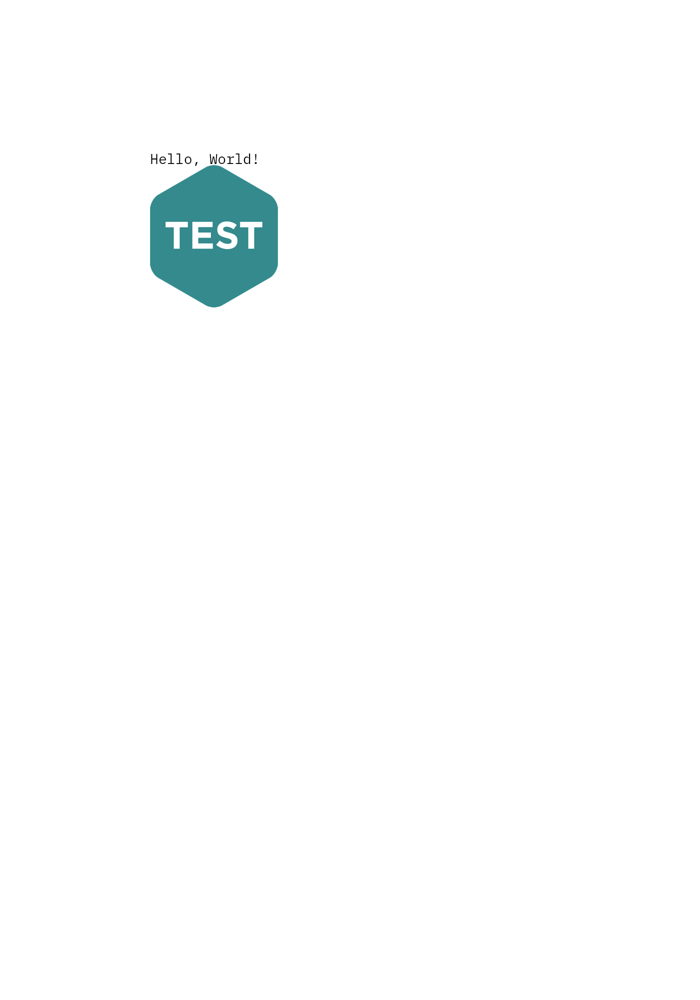
Combining different snippets
To combine different snippets, we provide an ArraySnip class which can hold any number of snippets. The output of the array snippet is the concatenation of the outputs of the snippets in the array.
Creating an ArraySnip
Let’s assume we have two snippets text and image and we want to combine them. We can create an ArraySnip as follows:
from PIL import Image
from snip.snippets import ArraySnip, ImageSnip, TextSnip

text = TextSnip(
    "Hello, World!",
)
image = ImageSnip(
    Image.open("test.png"),
)

array = ArraySnip(
    [text, image],
)
array
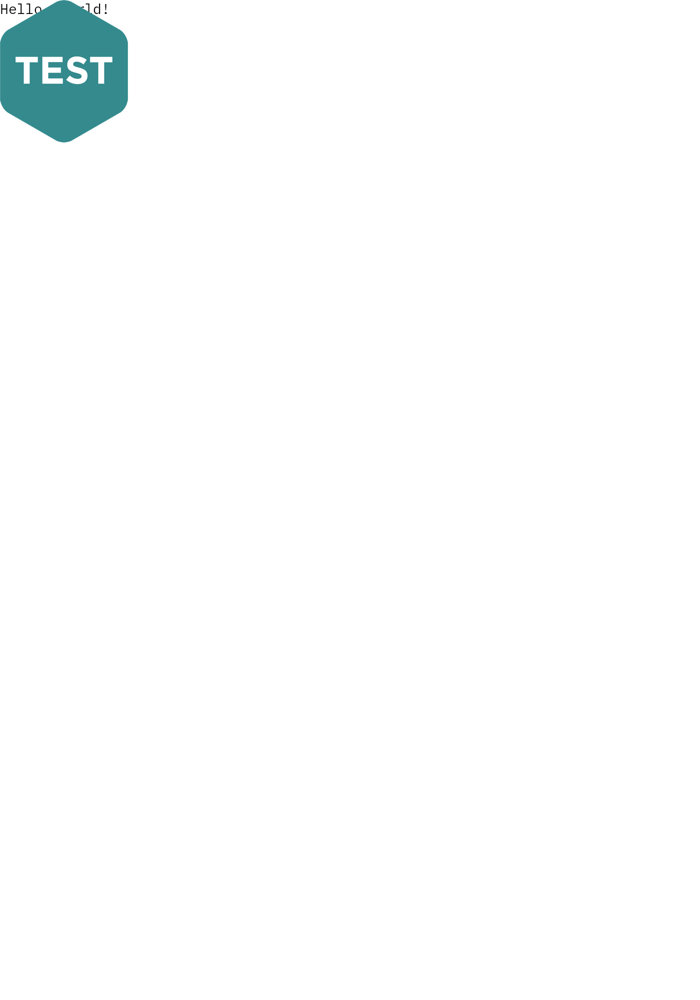
As you might have noticed, the image and text are nested above each other. This is because we have not set any coordinates for the inner snippets. As usual, we can set the coordinates for the inner snippets by using the x and/or y attributes.
image.y = 30
array
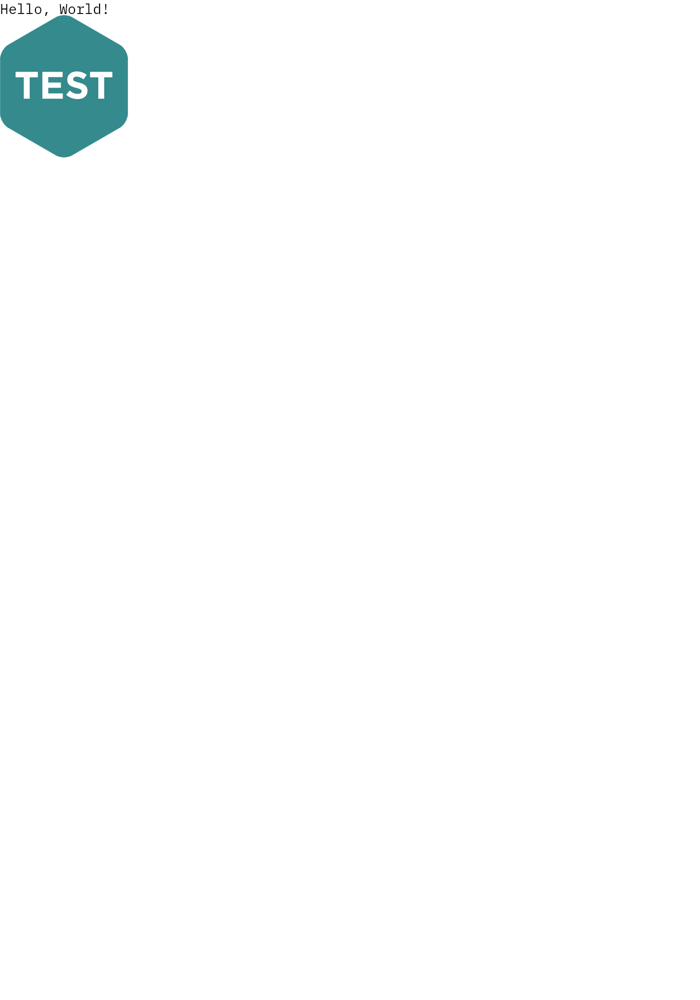
Array snips contain their own coordinate system. The coordinates of the inner snippets are relative to the top-left corner of the array snippet. I.e. if we change the position of the array snippet, the position of the inner snippets will change accordingly.
array.y = 300
array.x = 300
array