Text Snippet Guide
Text Snippets allow you to create, format and finally upload text to a snip lab book.
from snip.snippets import TextSnip

text = TextSnip("Hello, World!")
text
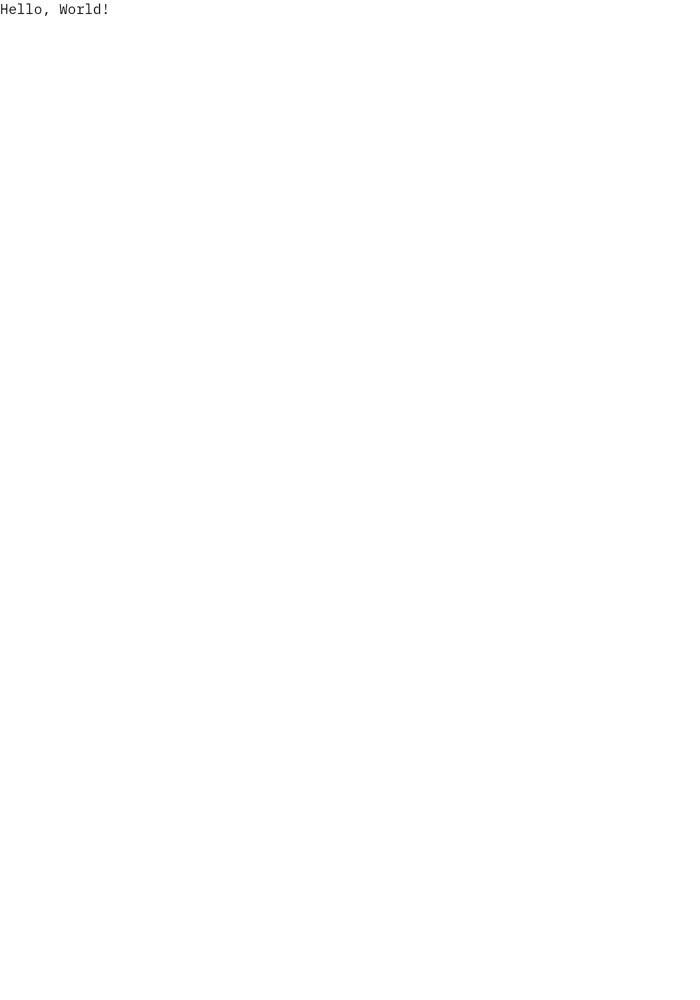
As with any snippet you may change the position of the snippet by modifying the x and y attributes.
text.x = 400
text.y = 1000
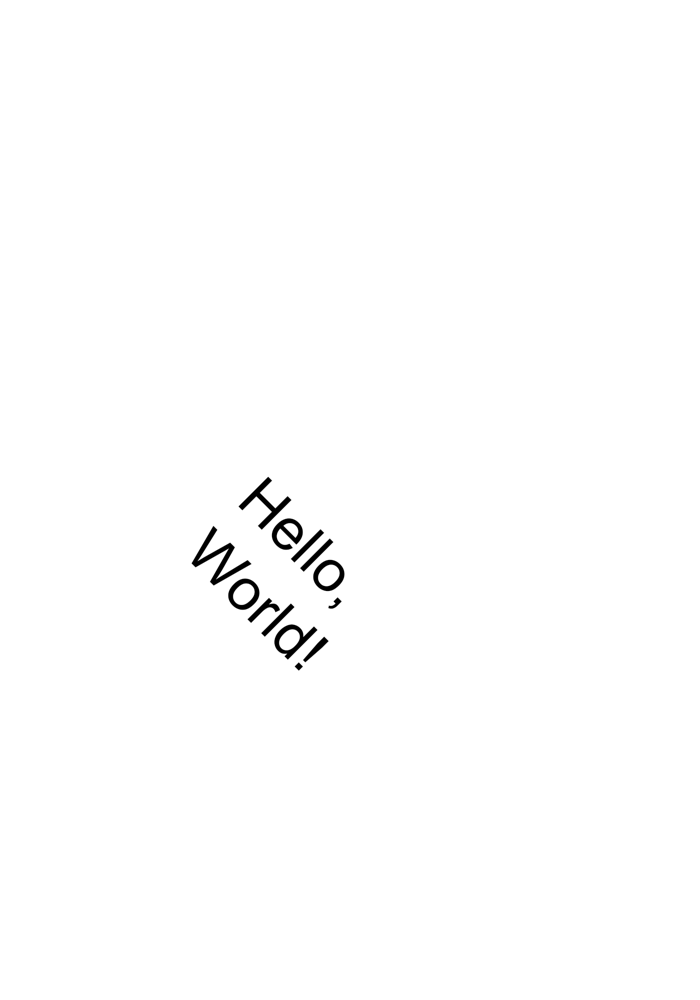
text.rotation = 45
text

You may also get the width and height of the snippet, but you may not change them. Similarly, you may get the bounding box of the snippet.
bounds = text.bounding_box
print(f"Height: {text.height}, Width: {text.width}")
print(f"Bounds: {bounds}")
Height: 138.63712328638758, Width: 138.63712328638752
Bounds: (411.08768835680627, 948.3064383568062, 549.7248116431938, 1086.9435616431938)
Text Styling
You may apply styles to text snippets by using the available attributes of the TextSnip class or the _style attribute. For instance to change to font size of a text snippet you may use the font_size attribute.
text.font_size = 50
text
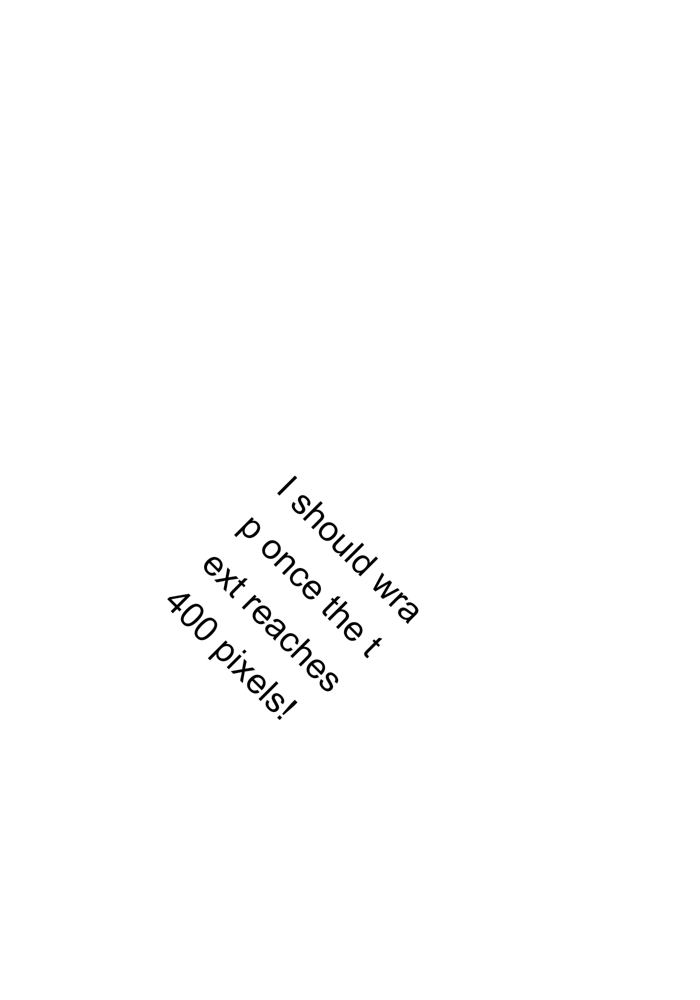
By default lines wrap automatically at 400 pixels, you may change this by setting the line_wrap attribute. You may disable text wrap by setting the line_wrap attribute to -1!
text.font_size = 30
text.line_height = 1.5
text.text = "I should wrap once the text reaches 400 pixels!"
text
Again you may upload the snippet by calling the upload method which should be inherited by all snippets.
text.upload(book_id=1)